How Headlines and Key Details Are Revised Multiple Times After Breaking News Is First Published
 0
0
 0
0
When a major incident occurs in Korea, breaking news alerts (속보) flood news portals like Naver News within minutes. You might click on an initial alert reading “Dozens injured in downtown vehicle crash,” but when you re-open the exact same article an hour later, the headline has completely changed to “3 transported to hospital after electric vehicle thermal runaway in Jongno.”
This rapid shifting of headlines and casualty numbers is not a random mistake. In modern newsrooms, breaking news coverage moves through a structured edit lifecycle. Editors publish raw initial facts immediately to beat the clock, knowing that details will be refined as official information arrives.
This guide explains how breaking news articles evolve over time and shows you how to spot revised headlines on Korean news portals so you can evaluate news reliability before sharing.
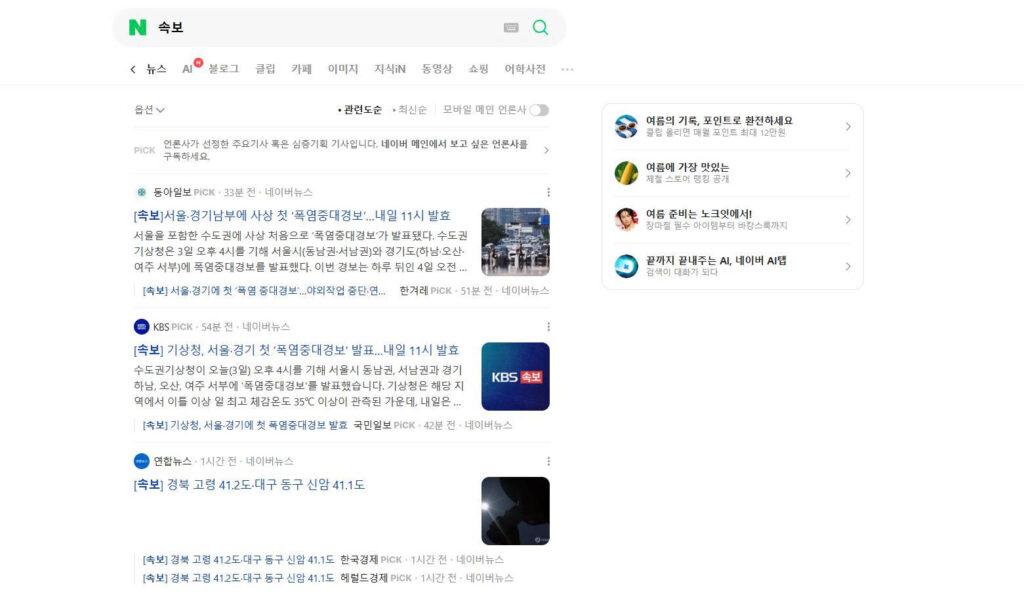
The 3-stage lifecycle of a breaking news article
Breaking news coverage rarely stays static. A major story usually progresses through three distinct publishing phases on news aggregators like Naver News.
Stage 1: The 15-minute wire alert (속보)
When a crisis occurs, wire services like Yonhap News (연합뉴스) issue short, 1-2 sentence alerts based on initial emergency calls. Commercial newsrooms immediately copy these alerts and publish broad, generalized headlines such as “Emergency services respond to incident downtown.” Because reporters on the ground have limited data, early headlines deliberately avoid specifying exact casualty numbers or causes.
Stage 2: The official press briefing (경찰/소방 브리핑)
Between 30 to 60 minutes after the initial alert, local authorities – such as the National Fire Agency or the Police – hold their first official press briefing. Once official statements are released, journalists replace early estimates with verified data. Headlines narrow significantly, swapping vague phrases like “multiple casualties” with confirmed numbers, exact street locations, and preliminary causes.
Stage 3: Contextual and investigative framing
Several hours later, after immediate facts are stabilized, editors update the article a third time. They add background context, such as a company’s past safety violation records, expert commentary, or government policy implications. The headline shifts from a simple event report to a contextual analysis, such as “Third factory incident this year raises safety oversight questions.”
Why casualty counts and names change after official briefings
Fluctuating casualty numbers and changing names in early breaking reports are common sources of reader confusion. These shifts reflect the transition from unverified chatter to official administrative records.
From early police radio chatter to official headcounts
The earliest casualty estimates in a breaking story often come from panicked eyewitness accounts or preliminary police radio chatter overheard by reporters. A witness might see multiple people lying on a sidewalk and report “dozens injured.” As emergency rooms register patients and fire departments complete official headcounts, journalists update the article body and rewrite the headline to state verified hospital transport figures.
Replacing vague descriptions with verified names and causes
Initial breaking reports rely on generic placeholders like “a local business owner” or “a city official” to avoid publishing unconfirmed identities. Once official spokespersons conduct formal briefings or release press statements, journalists replace these vague references with verified names, corporate titles, and official statements.
3 signs an article headline has been revised on Naver News
Because most readers in Korea consume news through portal aggregators like Naver News rather than standalone publisher apps, learning how to spot article revisions on Naver is essential.
Sign 1: The “Modified” timestamp (기사수정)
On Naver News, look at the top header area directly below the main headline. Next to the original publication timestamp (기사입력), Naver displays a “Modified” timestamp (기사수정). If a “Modified” timestamp is visible, the article’s headline or body text has been updated since its initial release.
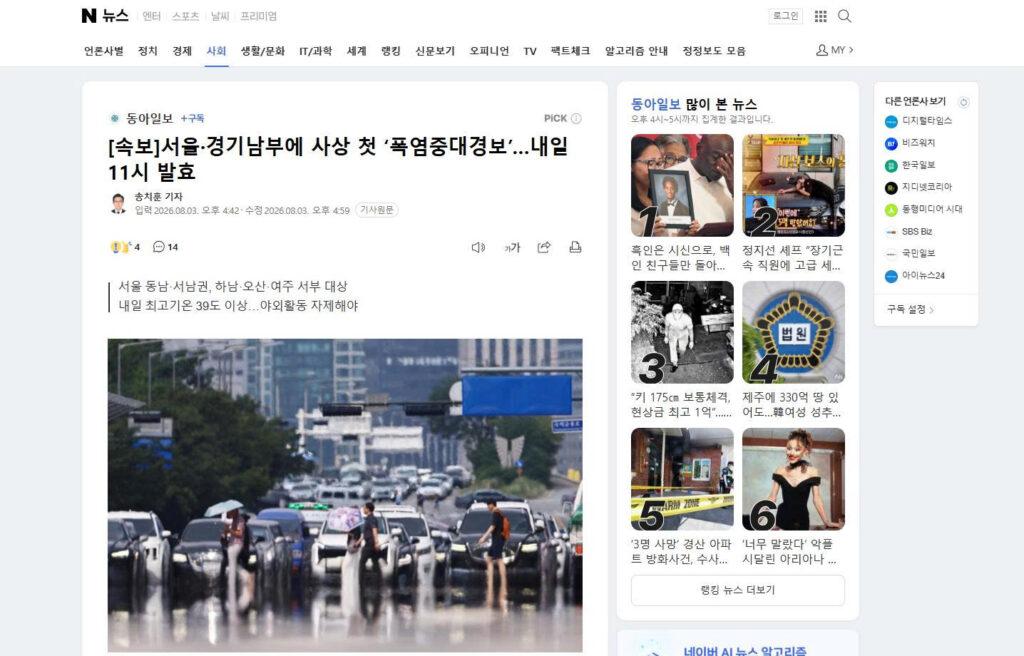
Sign 2: URL slug vs. headline mismatch
When a news organization creates an article, Naver generates a permanent web address (URL). The text embedded in the URL slug often preserves words from the original initial headline. If the visible headline on the page mentions “3 injured” but the URL text contains “dozens_injured,” the headline was rewritten after publication.
Sign 3: Editor correction notes at the footer
For major numerical corrections or factual updates, responsible newsrooms append a formal editor’s note (기자 주 or 정정 보도) at the very bottom of the article body. This note explicitly states what information was changed from the original version.
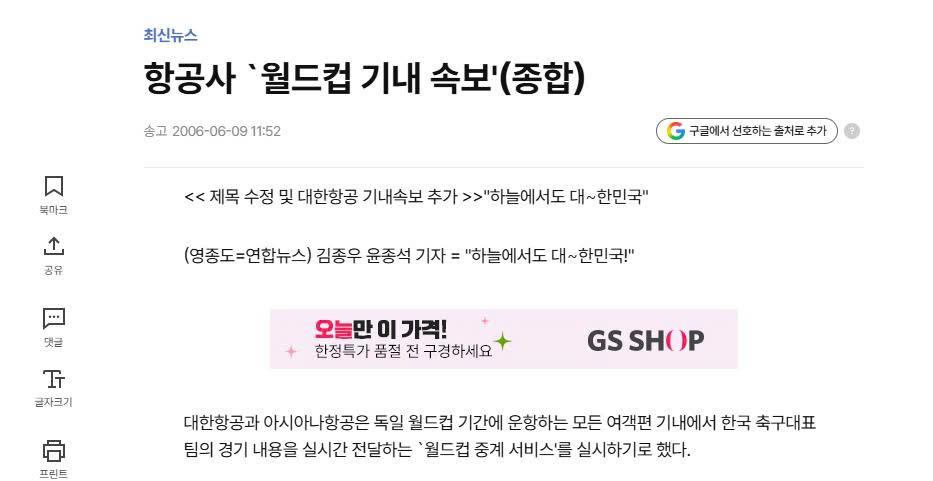
Common questions to help you read breaking news alerts more accurately
Here are quick answers to common questions about reading breaking news updates critically:
How can I tell if a breaking news article was updated after I first read it?
Check for a “Modified” timestamp (기사수정) near the top header on Naver News, or scroll to the bottom of the article body to look for a formal editor’s correction note (기자 주).
Why do news sites not mark every minor headline edit?
Minor typo corrections, grammatical tweaks, or minor numerical adjustments (such as changing an injury count from 4 to 5) are treated as routine editorial maintenance. Newsrooms generally reserve formal correction notes for major factual shifts or changes in reported causes.
Should I trust the very first headline of a breaking news alert?
Treat initial breaking news alerts (속보) as provisional notices rather than verified final accounts. Wait for a second or third update that cites an official police or fire department briefing before sharing the information as confirmed fact.


